> For the complete documentation index, see [llms.txt](https://docs.oort.io/llms.txt). Markdown versions of documentation pages are available by appending `.md` to page URLs; this page is available as [Markdown](https://docs.oort.io/understanding-check-failures/oort-insights/identity-posture-management-insights/unmanaged-devices-access.md).
# Unmanaged Devices Access
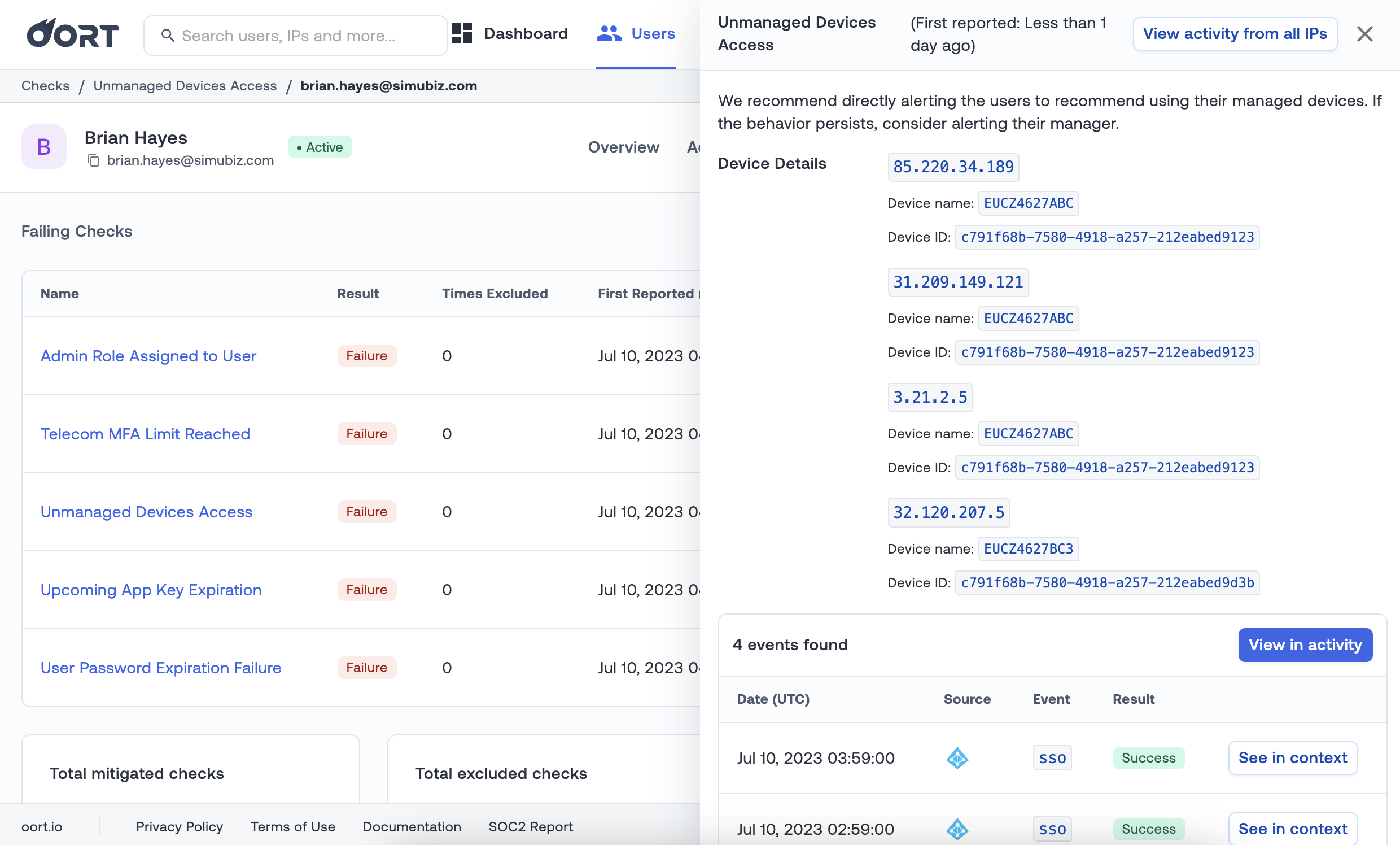
Detects users logging in from an unmanaged device in the last 7 days. For closer inspection, Identity Intelligence will give an indication of the event, IP address, if the device was managed.
**Recommended Actions**
We recommend directly alerting the users to recommend using their managed devices. If the behavior persists, consider alerting their manager.
**Default Check Settings**
Number of days:7
**Compatibility**
[Microsoft Entra ID](/integrations/azure-active-directory-integration.md)
[Duo](/integrations/duo-security-integration.md)