> For the complete documentation index, see [llms.txt](https://docs.oort.io/llms.txt). Markdown versions of documentation pages are available by appending `.md` to page URLs; this page is available as [Markdown](https://docs.oort.io/understanding-check-failures/oort-insights/identity-threat-detection-insights/suspicious-activity-reported-by-end-user.md).
# Suspicious Activity Reported by End User
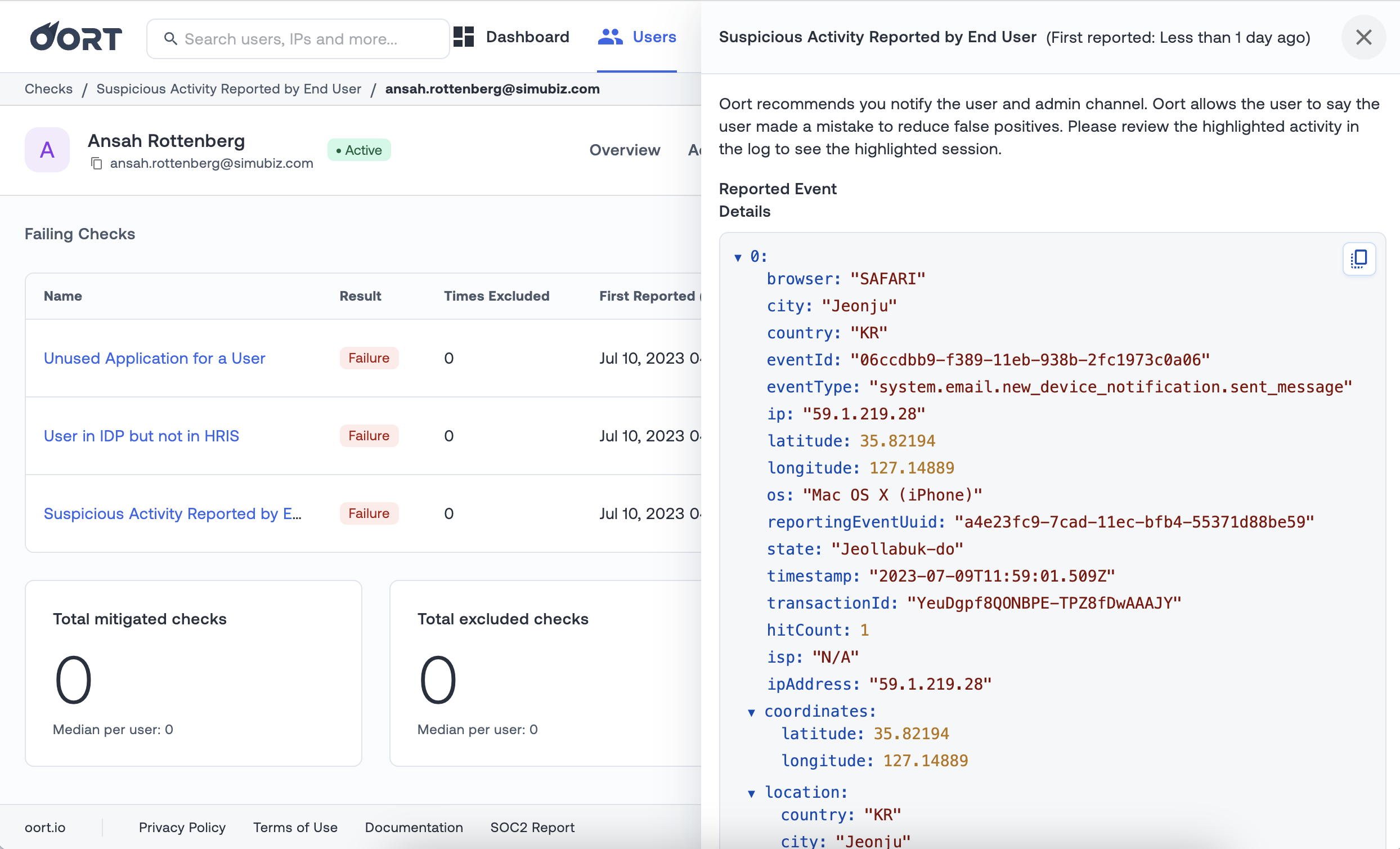
Detects users who reported suspicious or unrecognized activity to the organization’s admin.
In Microsoft, users can report suspicious activity through the Microsoft Authenticator or via their phone. In Duo, users will report via a Duo Push notification. In Okta, this can be done from an email notification.
Please note that this check requires the "Suspicious Activity Reporting" feature to be configured in Okta, and "Report Suspicious Activity" to be configured in Microsoft.
**Recommended Actions**
Identity Intelligence recommends you notify the user and admin channel. Identity Intelligence allows the user to say the user made a mistake to reduce false positives. Please review the highlighted activity in the log to see the highlighted session.
**Compatibility**
[Okta](/integrations/okta-data-integration.md)
[Duo](/integrations/duo-security-integration.md)
[Microsoft Entra ID](/integrations/azure-active-directory-integration.md)